
APACER AH620 Fingerprint Flash Drive. Review
 Not long ago we bought APACER AH620 with 4 Gb capacity and fingerprint scanner. Embedded program allows to use password protected USB flash drive for data protection.
The given USB flash drive is compatible with Rohos Logon Key program, which means that Biometric Authorization may also be used to access Windows (2000/XP/Vista). To learn more, please read here…

Device special features:
- There are two Partitions on the disk: Secure Partition of the USB flash drive, and Open Partition
- The Open Partition is always accessible (some biometric USB flash drives hide Open Partition with its files and folders while working with Secure One)
- Partitions’ sizes can be changed with the help of built-in utility – “Resizing tool”. This utility is on the disk that goes as a unit
- Secure Partition is accessible only after successful fingerprint authentication of the owner or his/her password. The device presents high USB flash drive security
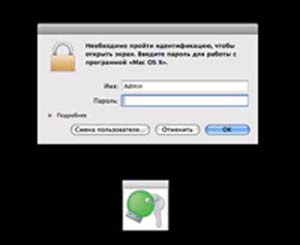
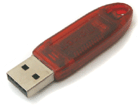 Now the popular token ruToken can be used in Rohos Logon Key and Rohos Disk programs as a single Key for Windows (including Vista x86/x64) authentication, and for data protection on Rohos Disk.
 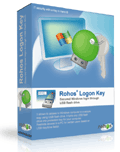 Rohos Logon Key 2.5 new release (May 14, 2008) includes support for Windows Server 2003 x64 (IA64, AMD64). The update affects support for the logon model “Windows native authentication (msgina.dll)”.
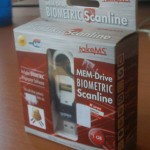 New device, 1 Gb MEM-Drive Biometric Scanline takeMS flash drive, came in our laboratory. Carry it Easy Plus Bio built-in program allows to use Biometric Authorization for data protection on USB drive. The present USB flash drive is compatible with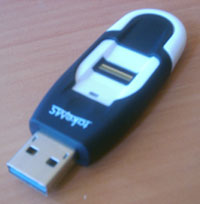
 Tesline-Service announces that now Rohos Disk and Rohos mini are available both for 32-bytes (x86), and for 64-bytes (x64 – AMD64, IA64) versions.