
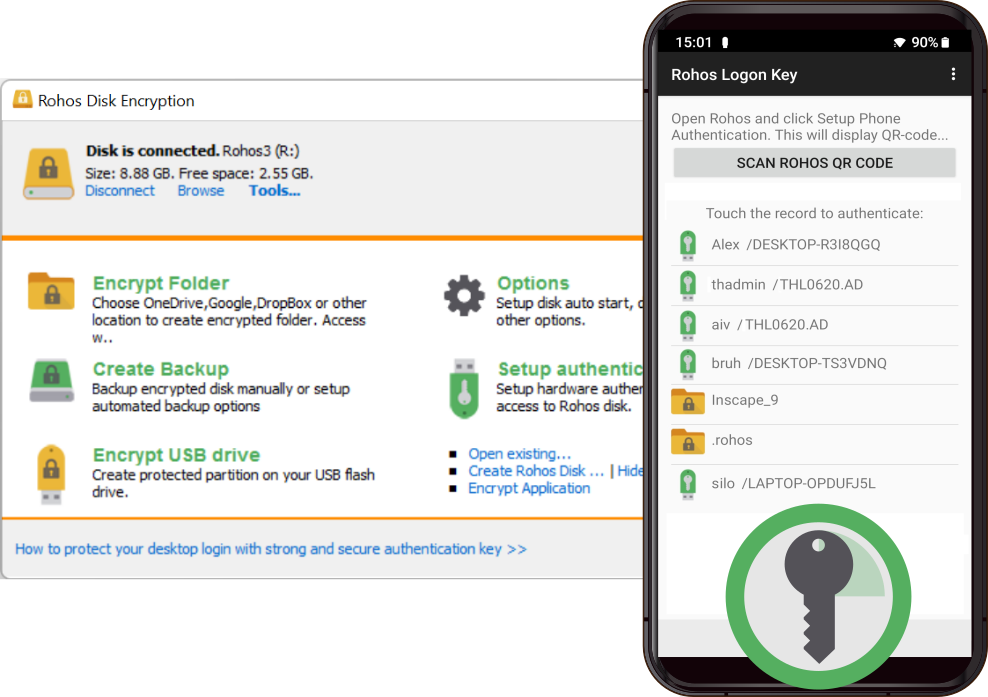
The Rohos Disk Encryption program creates hidden and encrypted partitions on a computer, USB flash drive, or cloud storage like Google Drive, One Drive, Dropbox. The native two-factor authentication app allows to unlock your confidential data with a single click by using your smartphone with Rohos Logon Key authenticator app.
When there are megabytes of sensitive files on your computer or internet storage, you cannot imagine life without the encrypted folders created with this wonderful tool.
A fully functional 30-day trial
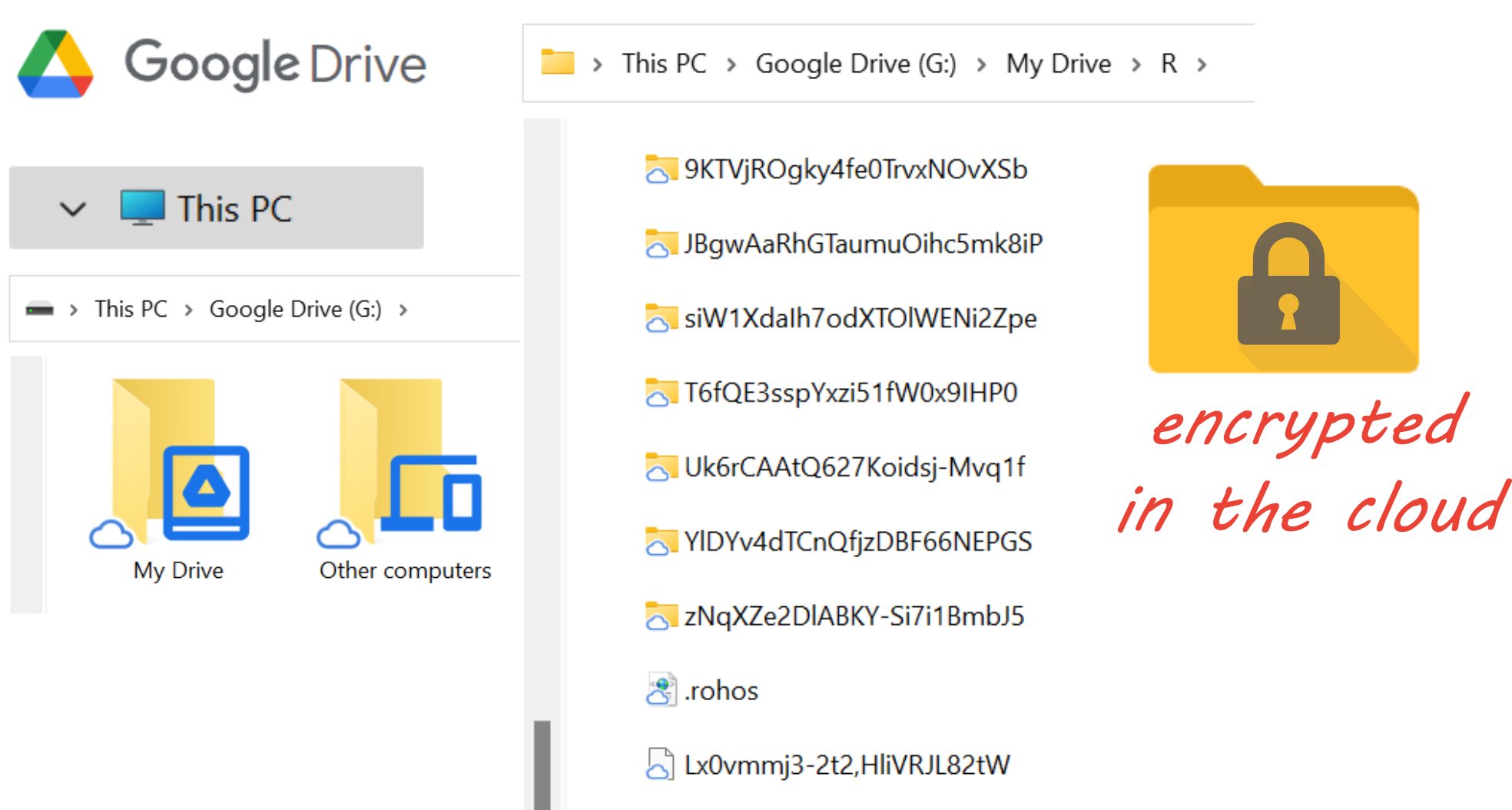 Rohos Encrypt folders directly in google drive letter on your Computer and the google app uploads only encrypted content with the cloud.
Native Two-factor authentication
The benefits of two-factor authentication protection included into Rohos Disk Encryption:
- Use your Smartphone to unlock the secret folder;
- Replaces your long password with a smartphone;
- Use a smartphone lock method or fingerprint scanner as a second authentication factor;
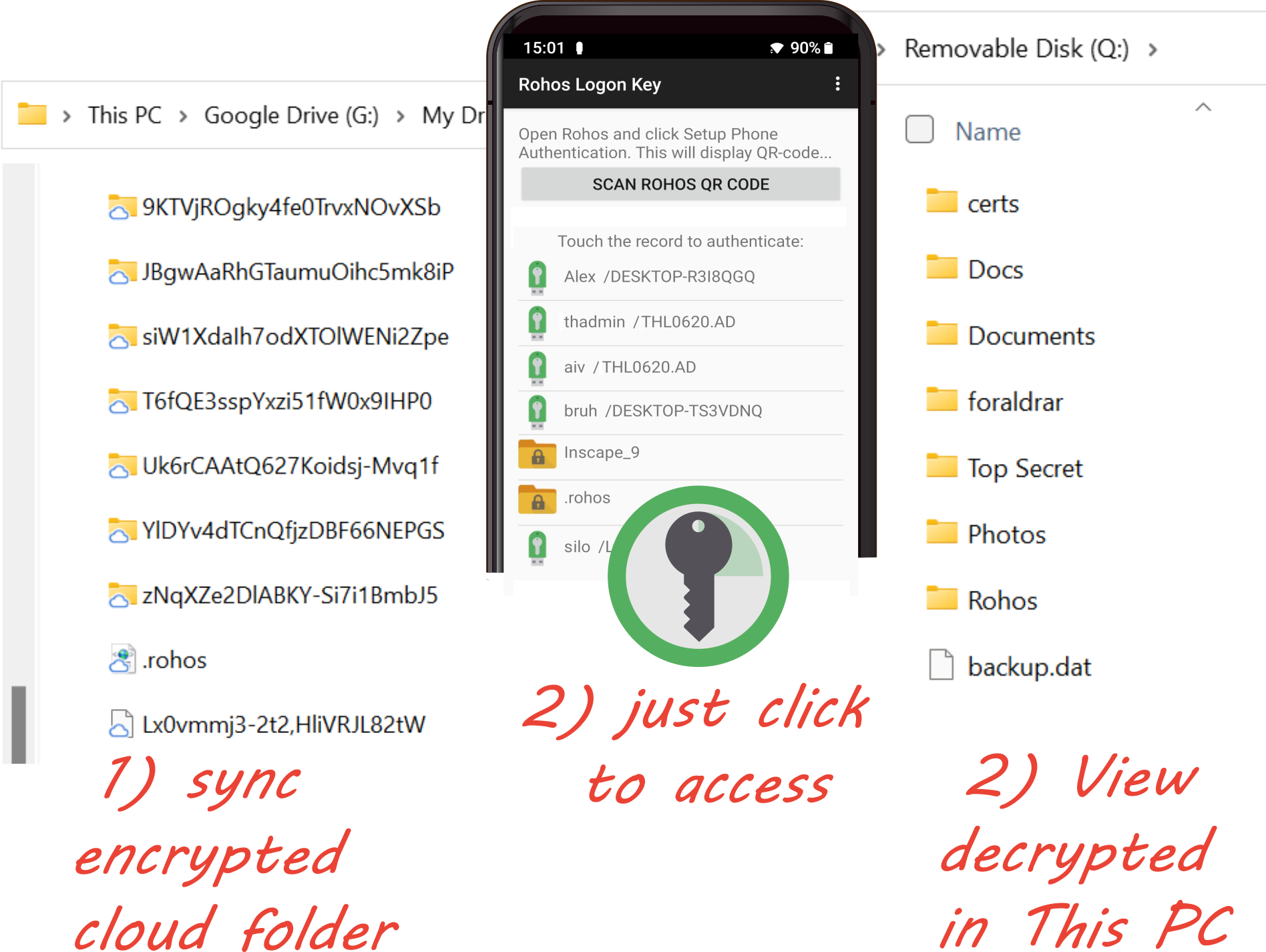
How to unlock secret files with smartphone authenticator:
Your Cyber-security and Privacy benefits with Rohos Disk app:
| Strong & On-the-fly disk encryption Rohos disk uses the NIST-approved AES encryption algorithm and 256-bit encryption key length. Encryption is automatic and on-the-fly. | No risk of data loss The partition password reset option allows you to create a backup file to access your secured disk if you forget your password or lose your USB key. | |
| Easy to use Rohos cares about usability: your first encrypted drive can be enabled with a single click or automatically at system startup. The Disk-On notification helps first-time users to know when the secured partition is ready for use. | Hide folder This option brings an affordable and strong (AES 256) encryption solution for security by preventing unauthorized local or network access to your internet applications, such as Google Chrome, Firefox, Skype on your PC. Read more … | |
| Unlimited encryption capacity You can have an unlimited number of additional encrypted virtual drives, over your network storage, on a USB flash drive or cloud storage folders. The size of virtual drives is unlimited. Each secured drive can come with a shortcut to open it. | A portable data-security solution You can keep a protected partition on a USB flash drive and access it on any computer. Rohos has a portable component that can be installed onto any USB flash drive along with a secured partition. | |
| Native two-factor authentication. You can use a regular USB flash drive or/and smartphone to unlock all of your secured disks and folders automatically without the need to remember and manually enter the password. | Steganography hides your encrypted disk in a media container such as AVI, MKV, MP3, OGG, WMA and provides plausible deniability. | |
| Access encrypted folders on Android. Rohos Disk application for Android allows to access your confidential data instantly on your mobile. At the make time the encrypted files will be available on your Computer by using Google Drive, Dropbox sync tool. | Secure shortcuts on the desktop Don’t worry about the shortcuts to the documents from the encrypted drive. Rohos automatically hides them from the desktop when a secured drive goes offline. | |
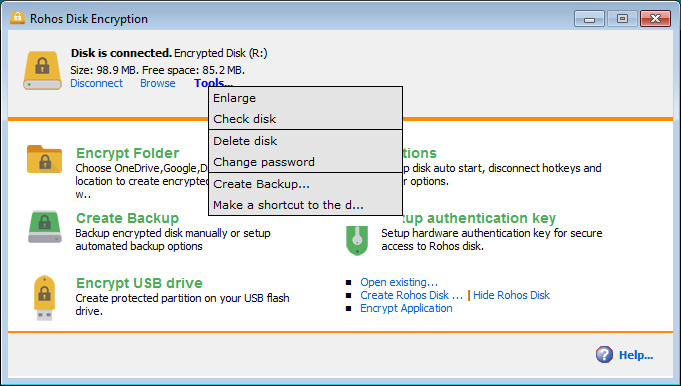
| Expandable virtual drives Rohos Disk allows enlarging a virtual encrypted partition any time you need (applicable only for NTFS format partitions). | Integrated file shredder Any file or folder can be easily moved into an Encrypted Rohos Disk with subsequent shedding of the unencrypted original. This functionality is available right from File Explorer. | |
Screenshots
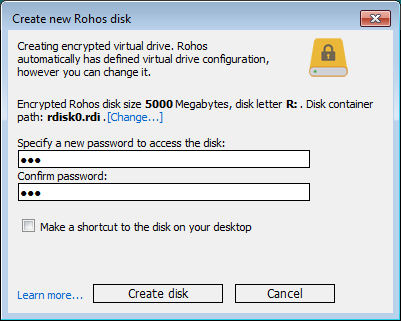
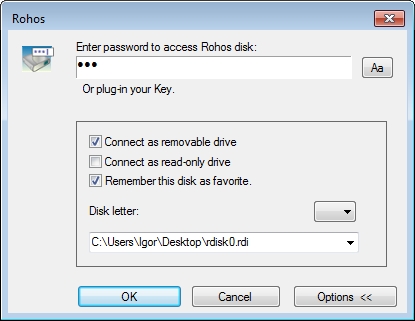
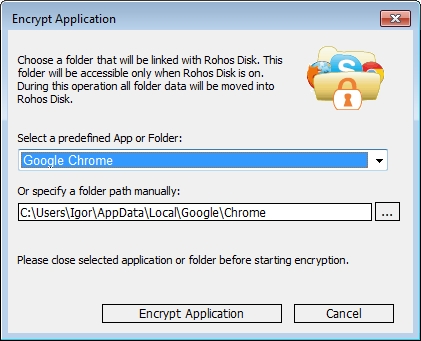
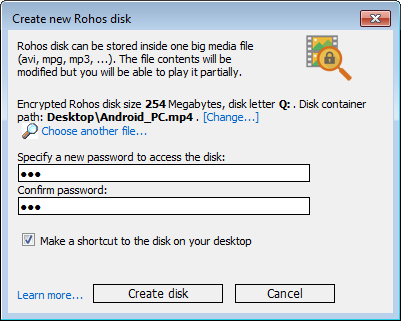
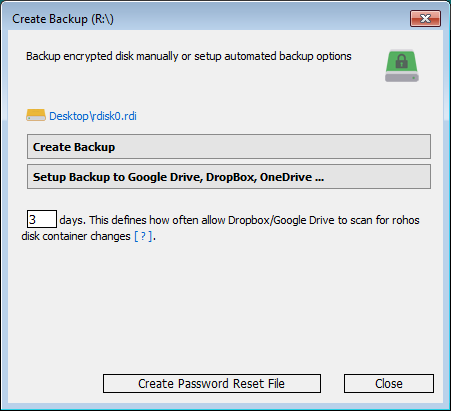
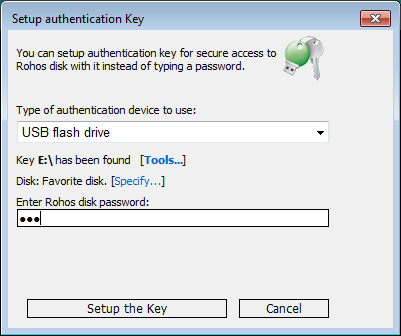
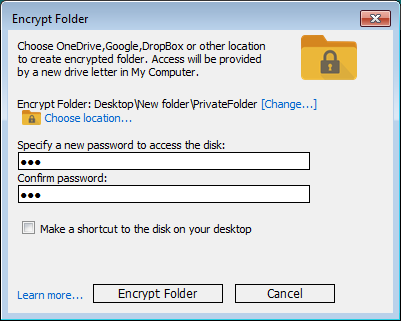
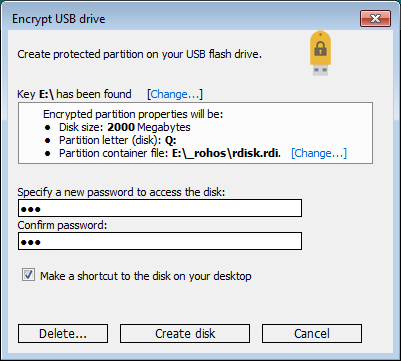
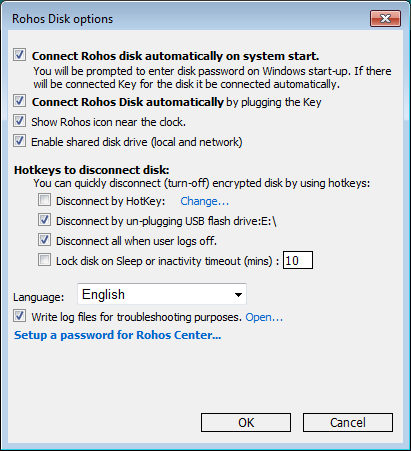
Try a fully functional 30-day trial or Order your copy
Lifetime license, free updates within 1 year.
System requirements:
- Any Windows
- Installation requires admin rights
Reviews:
Recent news
- Rohos Disk Encryption v.3.3 and Rohos Mini update Jul 06
- Rohos Disk Encryption v.3.2 Apr 14
- New Rohos Disk Encryption app for Android to access encrypted Google Drive folders Dec 26
- Rohos Disk folder encryption for Google Drive / OneDrive Mar 15
- (Soon) Introducing file encryption in new Rohos Disk Aug 21
Features
 Inside the Rohos virtual encrypted disk
File-Shredder – to delete file reliably and be sure that nobody can recover it.
How does Rohos Disk differs from similar disk encryption software?
Rohos Disk Browser enables you to open and view the contents of secret partitions on a USB drive on any other computer, even if you do not have administrative rights.
How to backup data on the USB drive secured partition
