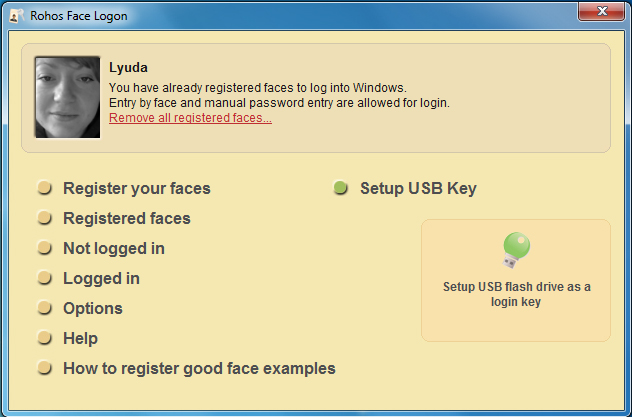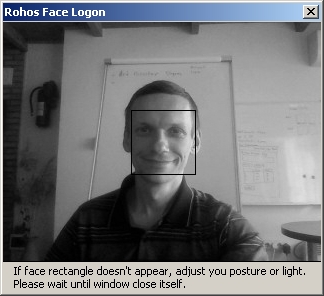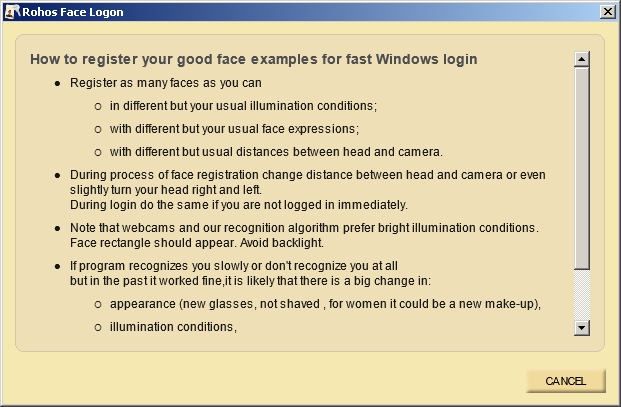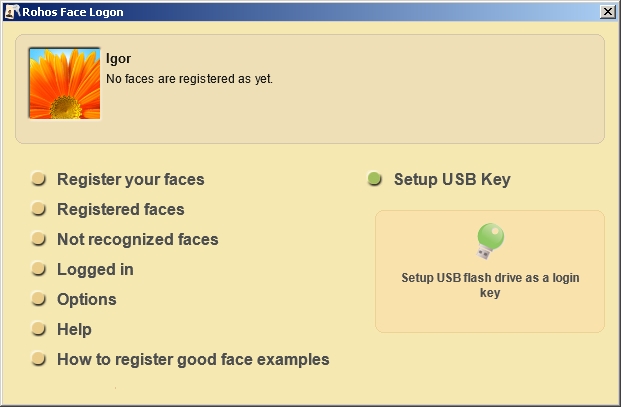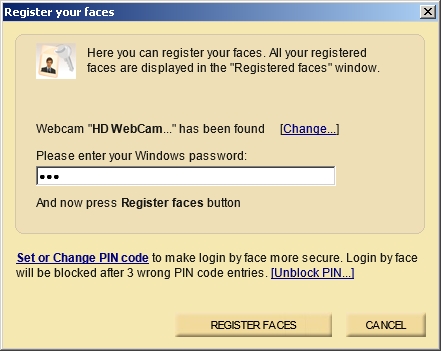
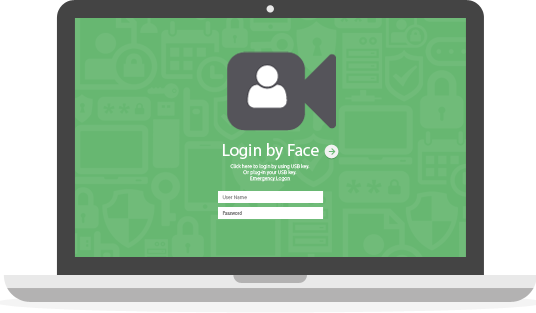
The program is designed to make the standard Windows logon procedure more convenient and offer greater security. It allows accessing a Windows computer in an easy, fast and secure way by using any Windows-compatible camera. The user’s login is performed automatically once the face has been recognized by the program. Rohos Face Logon provides user identification by biometric verification in an automatic continuous process, based on neural network technology.
Fully functional 15-day trial
System requirements:
- Any Windows (x86,x64)
- webcam and USB flash drive
- 5 MB of hard disk space free
Partner News:
Benefits of logging in with facial recognition:
- Automatic login or unlocking the desktop when your face is recognized.
- Self-training – helps to avoid face recognition failure.
- Use an additional USB flash drive as a key for your computer or notebook.
- Ability to combine both face recognition and a USB stick for login or use them separately.
- Multi-user support – you can register the faces of several users for any user account!
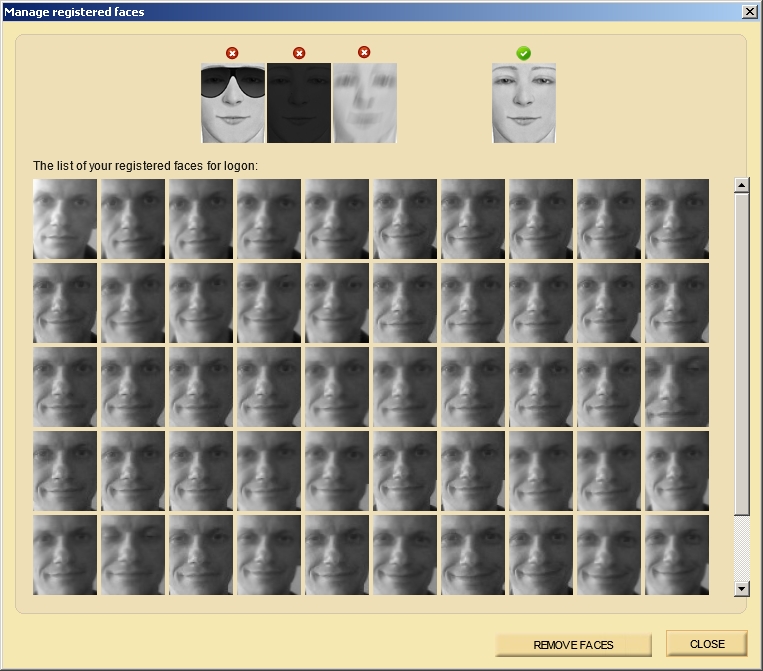
- All registered face patterns are saved and any unsatisfactory ones may be deleted.
- Power saving feature – if there is no one in front of the web camera, the program stops using the camera and CPU to recognize faces.
New in v4.0:
- Use a Face or USB flash drive as a key for your computer or notebook.
- Use face for local login and google authenticator OTP code for remote desktop login.
- Compatible with Window Hello PIN code, Face login, Picture login
- Strong biometric authentication with Face Login (optional);
- Strong two-factor authentication – Face Login, Face login with PIN code or Windows password (optional).
Security advantages:
- Allows hiding the fact that facial recognition can be used to log in, so nobody knows about the facial recognition process.
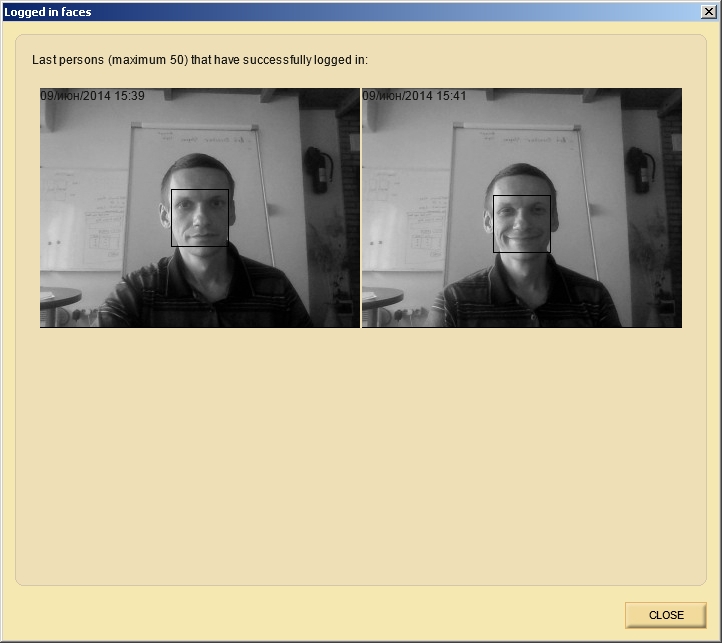
- The last successful face recognition logins are saved,
- Various forms of authentication are possible: regular password, USB drive, or Face
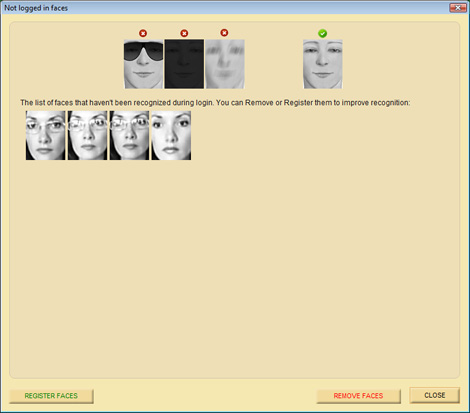
The self-training feature remembers failed recognitions and allows automatically converting them into face models without registering new face models. This makes any additional face registration process unnecessary.
- Open the Not logged in dialog,
- Choose the patterns, and
- Click Register faces to save them as face models
Authentication integrated within the Windows login
- Rohos Face Logon integrates into any Windows login model: Local PC login or AD network workstation, Windows XP/Vista home computer. Thus, no compatibility problems will be encountered after installing Rohos Face Logon. Video – “I never use a password for Windows …”
In this video you will see:
- How registering some face models works for proper face recognition with Rohos.
- Unlocking Windows using face recognition.
- Rohos Face Logon auto-training using face models that were not recognized before.
- How you can view the list of faces that have been used for login/unlocking over the past week.
- Hiding the face recognition dialogue from the login window to order to 1) prevent people from knowing that you use the face logon, and 2) make it impossible for another person to use your face or your photo to access your computer.
Note: This application is not compatible with Rohos Logon Key and Rohos Management tools programs!
Screenshots