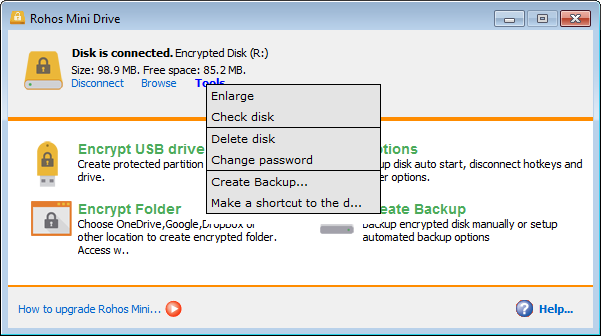
Rohos Mini Drive password-protects a USB flash drive by creating a hidden and encrypted partition on the disk. If you have many private files on the USB drive and want to keep them secret, you can protect them with a password and strong encryption using Rohos Mini Drive. It also offers a portable encryption tool for working with an encrypted partition on any PC.
Freeware
Download setup Download portable (ZIP)
ZIP file, Doesn’t require Installation, contains Rohos Mini and Rohos Disk Browser
Features:
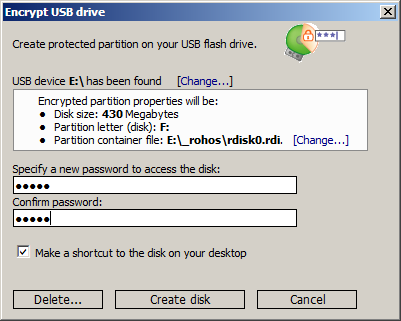
Easy to encrypt, easy to use. The intuitive USB flash drive Encryption Wizard automatically detects your USB flash drive and sets the properties for the encrypted partition. You just need to provide a password to protect it. With a single click, you can save your first file in a protected volume. Encryption is automatic and on-the-fly.
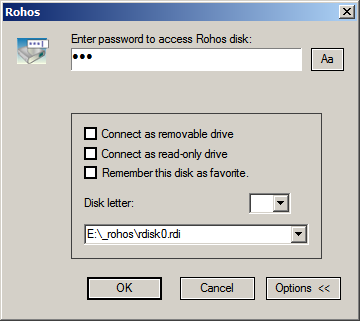
You can access your secret volume by entering the correct password. Disk-on notifications help you to know when the secured partition is connected or disconnected. If you click on the balloon, the Explorer window will be opened to show the disk.
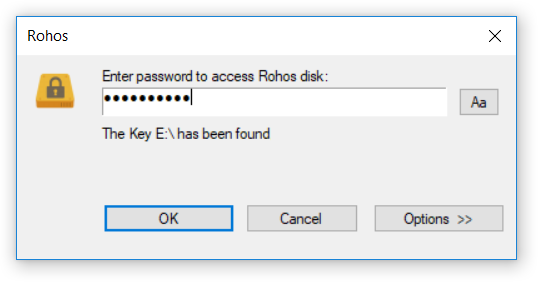
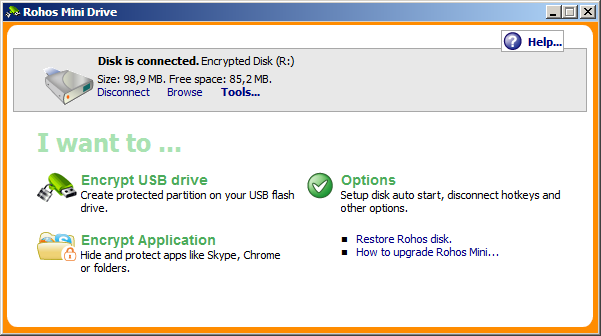
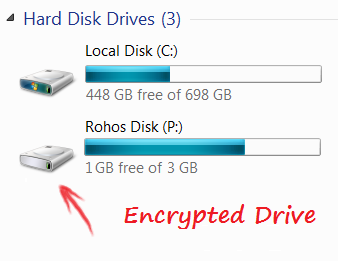
You work with encrypted partition via a separate drive called ‘Rohos’ in My Computer. Copy/paste files, Save documents with any application. Store multiple folders with tons of sensitive files.
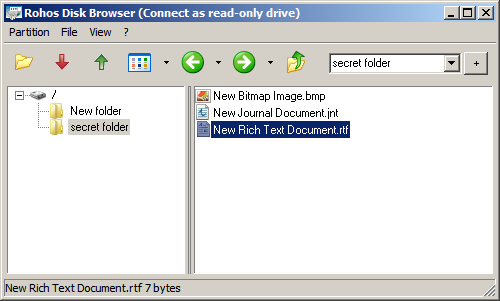
With a portable Rohos Disk Browser, you can work with a password-protected partition on any PC without Administrator privileges or installing additional software. It works like Windows Explorer, displaying folders and files. This portable utility is handy when you don’t have access to your computer or laptop. Read more>
On-The-Fly encryption without Administrative privileges is now possible with the new File Virtualization technology. Read more…
New: The Hide folder feature will allow you to encrypt, password-protect and lock any Application folder within C:\Program Files\. Now you can easily:
- Encrypt and protect your Google Chrome profile: history, favorites, form data, credit card numbers, saved passwords, cookies, etc. Read more …
- Encrypt and hide your Skype profile with your chat history, received files, contacts, Skype password. Read more …
- Encrypt your Mozilla Firefox and Opera profile
Despite its label Mini, this program provides a good portable solution for data security. It is specially designed for newbie users.
USB flash drive security benefits

- Creates an encrypted partition or container on a USB flash drive or portable hard disk.
- Encrypted partition is protected by a password.
- Encryption is automatic and on-the-fly. AES 256-bit key length. Uses NIST-compliant encryption standards.
Rohos Mini Drive consists of 3 applications
- Rohos Mini Drive desktop version creates an encrypted partition on a USB drive and enables it just like any ordinary disk drive.
- Rohos Mini.exe, on USB drive allowing connecting an encrypted USB drive partition as a disk drive on any PC (requires Administrator privileges).
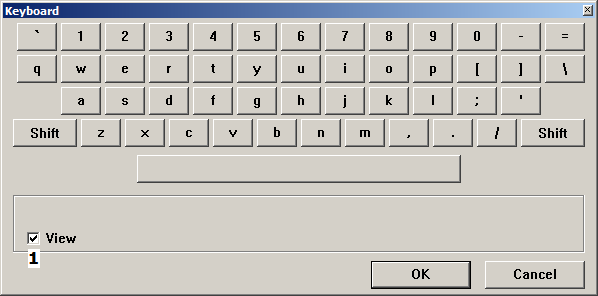
- Rohos Disk Browser is a portable encryption tool that allows opening an encrypted partition and working with it (open or save any file). It does not require Administrator privileges. It also allows creating virtual disk containers and hidden encrypted containers with a USB drive partition or media file. Rohos Mini Drive Portable (portable utility) allows using an encrypted partition on any PC without Administrator privileges or installing additional software. Rohos Mini Drive Portable with Administrator privileges can create a Real Hidden Partition on a USB drive, without Windows being able to find and erase it. File Virtualization – prevents secret data from leaking outside an encrypted disk in temporary file folders, the Registry, the Recent Documents list, etc. Secured virtual keyboard – protect an encrypted disk password from a keylogger.
Free Edition limit – 8 GB encrypted partition size.
 Note: Windows 7 users have to install the Security Update from Microsoft:
System requirements:
- Installation requires admin rights
- Windows 7/ 8/10
- USB port
- USB drive with 90 Mb or more free space
Upgrade Rohos Mini to Rohos Disk
Rohos Mini Drive is freeware for personal use.
Download now
If you like Rohos Mini and want to use it in your company, order a site license:
Screenshots